Run A Farm guide
Run A Farm!
Run A Farm Roblox guides for eggs, crops, trucks, workers and mining. Follow the first-farm route and find the developer-advertised RELEASE code.
Quick answer
Collect eggs, stock your stand and reinvest in production. Add crops, transport and workers as you unlock them, and check the RELEASE cash code.
Start your farm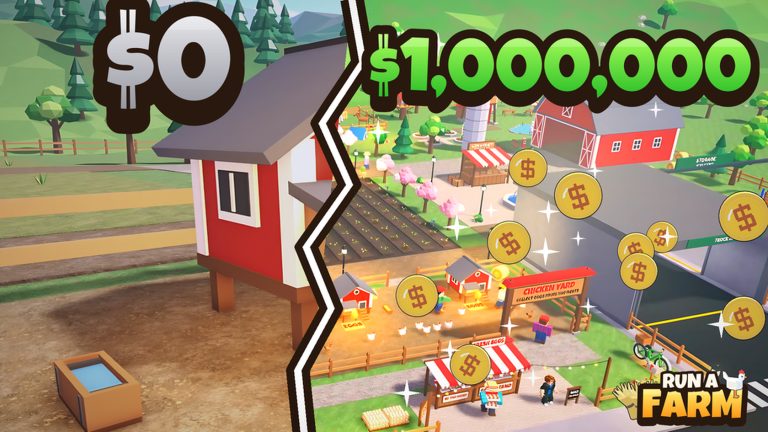
What do you want to do?
Browse by task
06 guides
Build your farm
Eggs, crops, transport, workers and mining.
- Run A Farm Beginner GuideStart Run A Farm with a practical route through collecting eggs, restocking the stand, claiming quests and choosing your first crop or worker upgrade.
- Run A Farm Eggs and Stand GuideKeep Run A Farm egg sales moving: read bag and stand meters, transfer eggs at RESTOCK, follow price prompts and understand the spare-egg truck.
- Run A Farm Crops and Wheat GuideGrow wheat in Run A Farm, separate planting from harvesting and delivery, and check which worker or Tractor Barn prerequisite your next step needs.
- Run A Farm Vehicles and Storage GuideCompare the purpose of Run A Farm bikes, the Egg Truck, delivery trucks and storage shelves so your next purchase addresses a visible farm limit.
- Run A Farm Workers and AutomationChoose the right Run A Farm worker for eggs, planting or harvesting. Read Farm Office slots, Tractor Barn locks and Walk Speed or Carry upgrades.
- Run A Farm Codes: RELEASE and How to RedeemFind the developer-advertised RELEASE cash code for Run A Farm and use the verified Settings code box. Redemption has not been independently tested.
§Build a farm that keeps moving#
Begin with your chicken coop. Eggs have to reach the stand before customers can buy them, so production and restocking are separate tasks.
The guides below cover the visible early-game loop, wheat fields, vehicle decisions, worker roles and the advertised mine. Use the beginner route to connect them in a useful order.
Scope and sources
Official description and reviewed gameplay checked November 5, 2026.
- For Run A Farm! by Farm CStudios. Recorded prices and interface details may change; read your current purchase prompt.